> ## Documentation Index
> Fetch the complete documentation index at: https://docs.fourthwall.com/llms.txt
> Use this file to discover all available pages before exploring further.
# Embedded Sections
> Embed secure iframe sections into your Fourthwall shop
Embedded sections are a way to embed content sections into your Fourthwall shop. These sections use HMAC signatures to verify that the content is being embedded on a Fourthwall shop, and can be gated by memberships.
For app sections that can be distributed with your app, see [App Sections](/apps/app-sections).
Embedded sections allow you to extend your Fourthwall shop with custom content that is securely embedded and verified. This is particularly useful for:
* **Live stream overlays** - Display real-time order notifications, supporter shoutouts, or donation goals during your streams
* **Customer support tools** - Embed live chat widgets, FAQ sections, or ticket submission forms directly in your shop
* **Social proof elements** - Show recent purchases, customer reviews, or social media feeds to build trust
* **Membership gated content** - Create exclusive content sections that only appear for paying members
## How it works
An embedded section is rendered as an iframe on your shop with certain query parameters added to the URL to prove that it is being embedded for:
1. A specific Fourthwall shop
2. A specific supporter (for memberships)
3. A specific tier (for memberships)
First generate a secret key in [Developer settings](https://my-shop.fourthwall.com/admin/dashboard/settings/for-developers#embedded-hmac-secret?redirect).
Without setting the secret key, the iframe will not be rendered.
You can add it as a section like any other section in your shop.
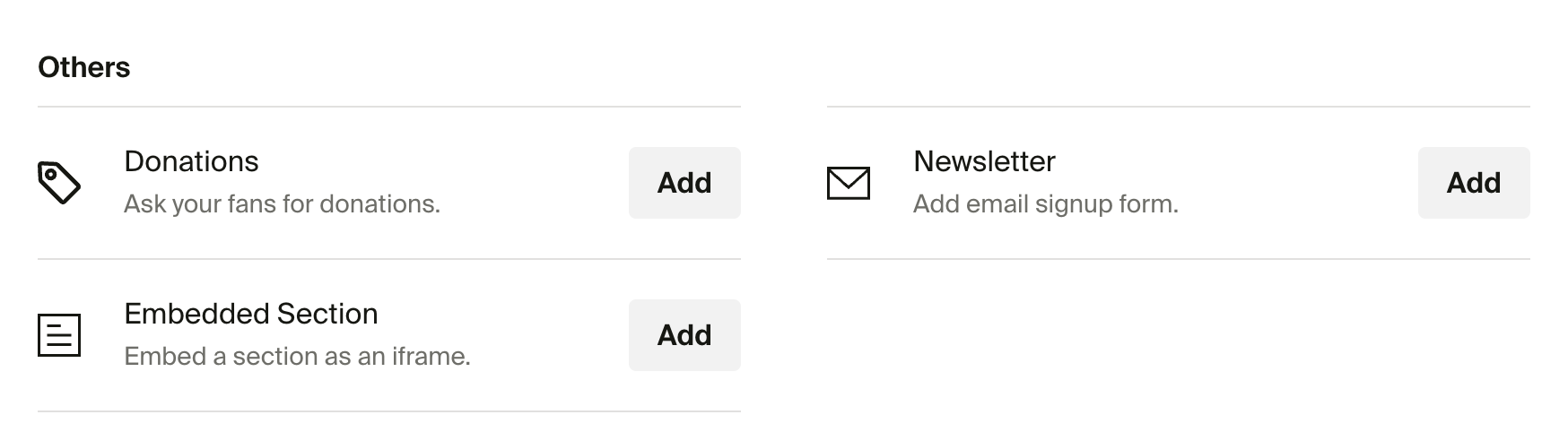 Once added, you will need to configure a URL for the iframe.
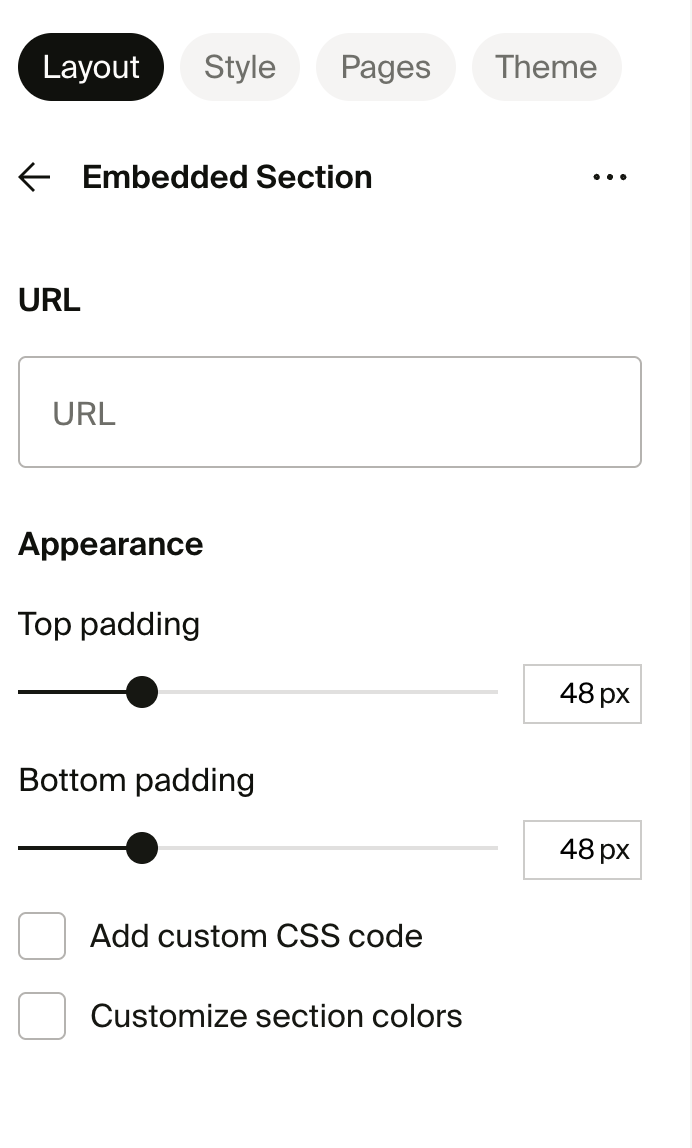 Now whenever someone visits your shop, the iframe will be called with a signature.