> ## Documentation Index
> Fetch the complete documentation index at: https://docs.fourthwall.com/llms.txt
> Use this file to discover all available pages before exploring further.
# Checkout Setup
> Configure Fourthwall checkout pages for custom storefronts
When the user is ready to checkout, you will redirect them to the Fourthwall checkout page. This is where they can review their order and enter their shipping and payment information.
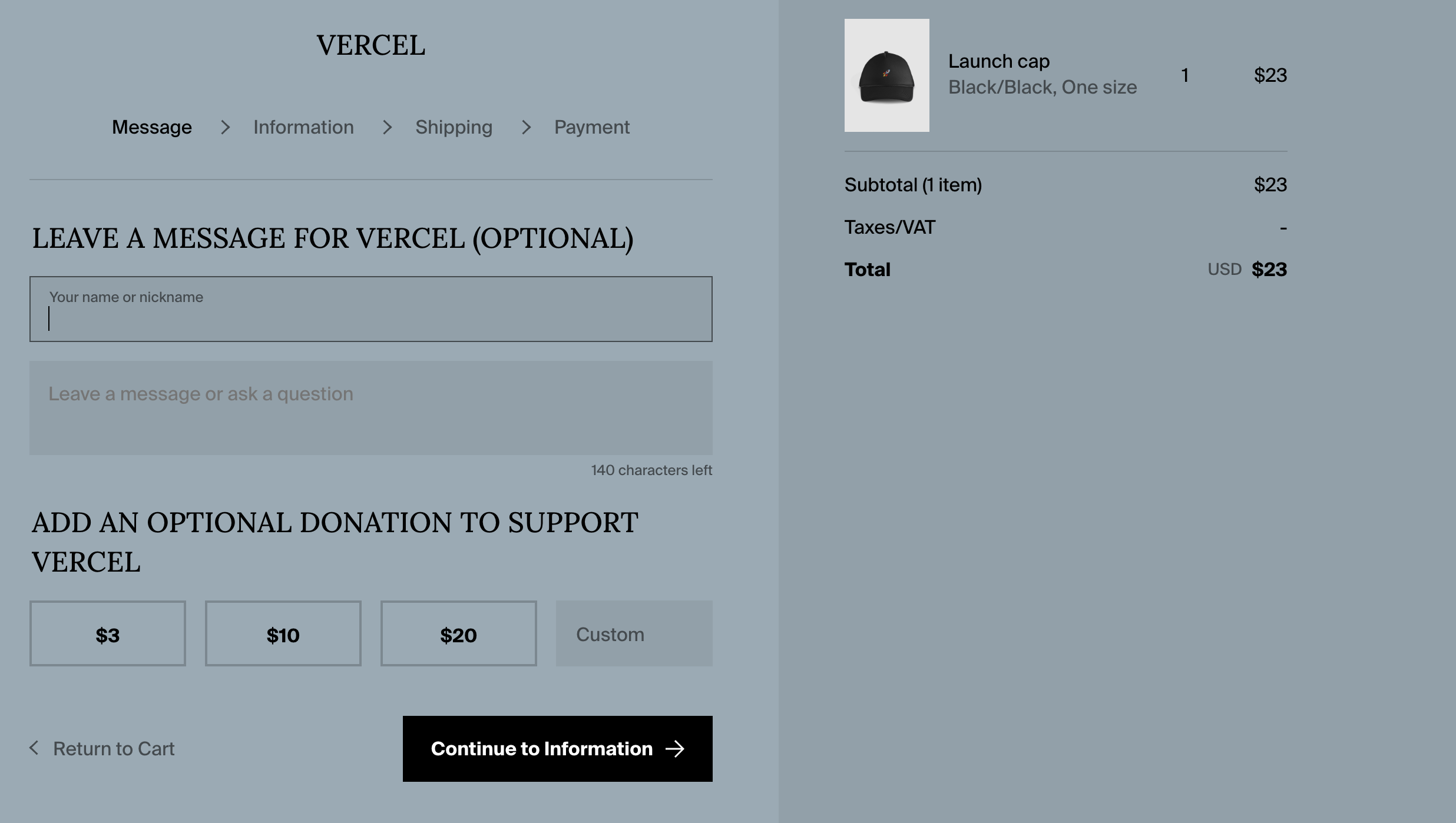 It's best to style the checkout page so that it matches the rest of your store. This will help create a seamless shopping experience for your customers.
We recommend using a simple theme like Clean Frame and then setting the styling (colors + typography) so that it matches your main store. You can [style your checkout process here](https://my-shop.fourthwall.com/admin/dashboard/store-design/layout/index/?redirect).
You will also want to connect a custom domain like `checkout..com` to the checkout page so that the redirect from your main store is seamless. You can connect custom domains [here](https://my-shop.fourthwall.com/admin/dashboard/settings/domain/?redirect).
In the Vercel starter kit, you can add the checkout domain (custom or otherwise) to `env.local` under `NEXT_PUBLIC_FW_CHECKOUT`.
If you are building your own frontend, redirect to:
```
https:///checkout/?cartCurrency=&cartId=
```
Alternative domain entrypoint:
```
https:///cart/checkout?cartId=¤cy=
```
For `/cart/checkout` details (including direct product links like `products=variantId:quantity`), see [Cart Checkout Endpoint](/shop-apis/cart-checkout-endpoint).
## Setting up a meta redirect (recommended)
The emails sent from Fourthwall can sometimes include a link to the Fourthwall (checkout) page. When a user clicks on this link, you will want to redirect them to your domain.
You can add a redirect script to your `Head` component [here](https://my-shop.fourthwall.com/admin/dashboard/store-design/general/advanced/?redirect).
```html theme={null}
```
It's best to style the checkout page so that it matches the rest of your store. This will help create a seamless shopping experience for your customers.
We recommend using a simple theme like Clean Frame and then setting the styling (colors + typography) so that it matches your main store. You can [style your checkout process here](https://my-shop.fourthwall.com/admin/dashboard/store-design/layout/index/?redirect).
You will also want to connect a custom domain like `checkout..com` to the checkout page so that the redirect from your main store is seamless. You can connect custom domains [here](https://my-shop.fourthwall.com/admin/dashboard/settings/domain/?redirect).
In the Vercel starter kit, you can add the checkout domain (custom or otherwise) to `env.local` under `NEXT_PUBLIC_FW_CHECKOUT`.
If you are building your own frontend, redirect to:
```
https:///checkout/?cartCurrency=&cartId=
```
Alternative domain entrypoint:
```
https:///cart/checkout?cartId=¤cy=
```
For `/cart/checkout` details (including direct product links like `products=variantId:quantity`), see [Cart Checkout Endpoint](/shop-apis/cart-checkout-endpoint).
## Setting up a meta redirect (recommended)
The emails sent from Fourthwall can sometimes include a link to the Fourthwall (checkout) page. When a user clicks on this link, you will want to redirect them to your domain.
You can add a redirect script to your `Head` component [here](https://my-shop.fourthwall.com/admin/dashboard/store-design/general/advanced/?redirect).
```html theme={null}
```